How to Buy Bitcoin in Europe Using SEPA
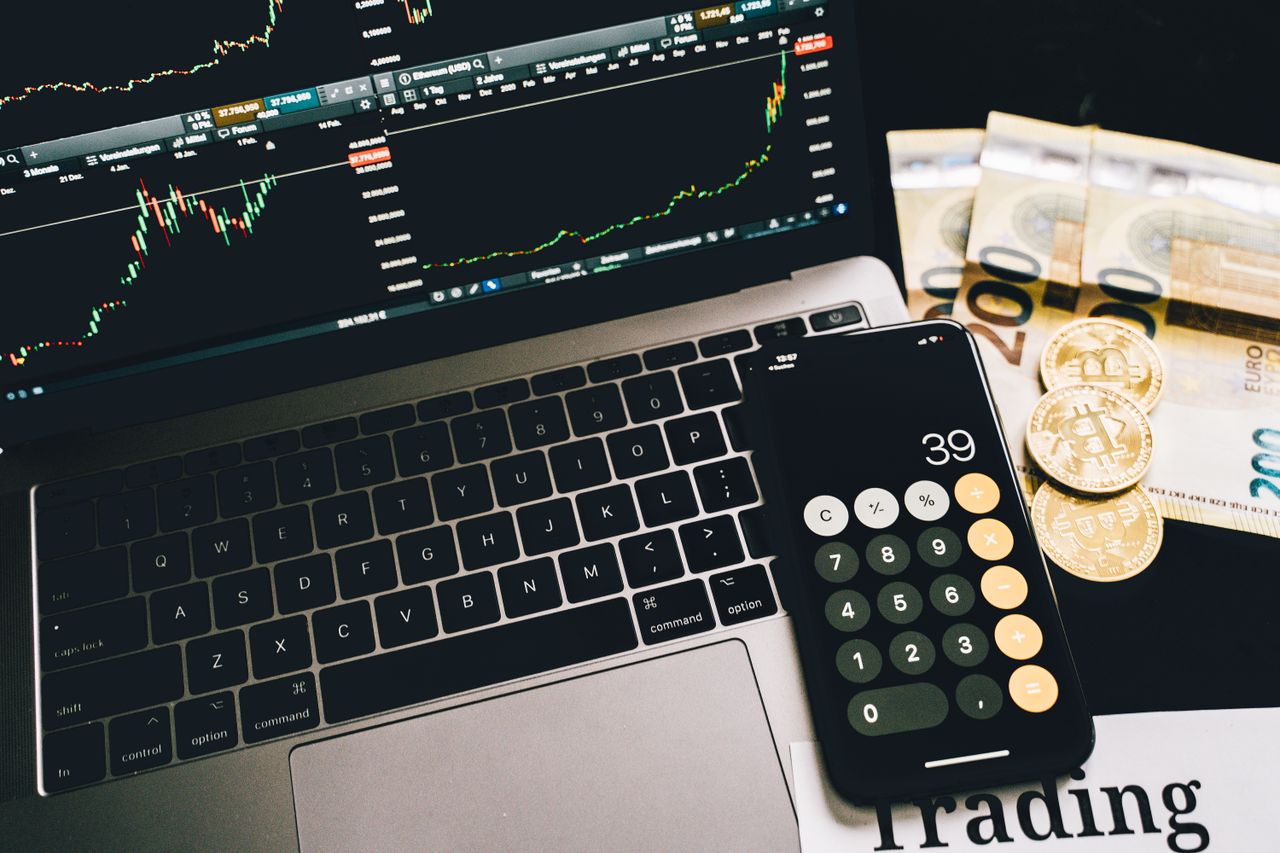
Photo: Alesia Kozik / Pexels
Last reviewed: 3 October 2026
Buying Bitcoin with a euro bank transfer can be simpler and cheaper than using a card, but the safest route is not merely finding the lowest advertised fee. European beginners should first check whether a provider is authorised, understand the full cost, secure the account, and test the complete buy-and-withdraw process with a small amount.
This guide explains that process step by step.
Want to try a crypto exchange? You can sign up for HTX with my HTX invite link. (Affiliate link: Advice Me may earn a commission. Not a recommendation, check the risks and whether HTX is available in your country first.)
Important disclaimer
This article is educational and is not financial, investment, tax, or legal advice. Bitcoin is volatile and you can lose money. Provider availability, fees, banking support, and regulatory status can change. Verify current information with the provider, your bank, and the relevant authority before acting.
What is SEPA?
The Single Euro Payments Area standardises euro credit transfers across participating European countries. The European Payments Council says the same core rules apply whether a euro transfer is domestic or crosses a SEPA border. Some banks and providers also support SEPA Instant, but availability and timing vary.
For a Bitcoin buyer, a SEPA transfer usually means sending euros from a bank account in your name to the account details supplied by a crypto-asset service provider. Your provider then credits the euros to your account so you can place a Bitcoin order.
Before you send money
1. Check authorisation and availability
Confirm that the provider serves your country and identify the legal entity that will hold your account. EU regulators advise consumers to check whether a crypto provider is authorised. Use the ESMA registers and, when appropriate, the register of your national competent authority.
Authorisation does not make Bitcoin risk-free, guarantee profits, or provide the same protection as a bank deposit guarantee.
2. Compare the full cost
Look beyond a headline trading fee. Check:
- SEPA deposit and withdrawal charges;
- the difference between instant-buy pricing and order-book pricing;
- the spread between the displayed buy and sell prices;
- Bitcoin network withdrawal fees; and
- any minimum deposit, order, or withdrawal amount.
A simple interface can be worth paying for, but the price should be clear before you confirm.
3. Secure the account
Use a unique password and enable strong two-factor authentication. Save the provider's official website as a bookmark instead of following ads or unsolicited messages. Never share an authentication code, password, private key, or recovery phrase with support staff.
How to buy Bitcoin using SEPA
- Open and verify your account. Complete the identity checks required by the provider. Make sure the name on the account matches the name on your bank account.
- Choose bank transfer or SEPA deposit. Copy the beneficiary name, IBAN, BIC if requested, and the exact payment reference.
- Verify the payment details. Check the beneficiary and IBAN inside the provider's official app or bookmarked website. Do not use details sent through an unsolicited email, chat, or direct message.
- Send a small test transfer. Include the reference exactly as shown. A missing or incorrect reference can delay crediting.
- Wait for the euros to arrive. The provider should show the deposit in your cash balance. Do not buy until the credited amount and any fee are clear.
- Place a small Bitcoin order. Review the quantity, exchange rate, spread, and fee before confirming.
- Test a withdrawal. If you plan to use self-custody, send a small amount to a wallet address you control before moving more.
Why an instant transfer may not mean instant buying
The bank transfer and the provider’s account credit are separate steps. Compliance checks, maintenance, missing references, and unsupported deposit routes can delay access even after the payment has arrived. Check the provider’s stated processing window and contact support through its official app if needed. Never pay an unsolicited “release fee.”
SEPA deposit missing? Check these details first
If your bank says a transfer was sent but the exchange has not credited it, do not send another payment just to see whether it works. First compare your receipt with the deposit instructions you used.
- Confirm the transfer status. A scheduled, pending or completed payment is not the same thing. Record what your bank actually shows.
- Check the beneficiary, IBAN and reference. Use the deposit instructions inside the provider’s official account, not payment details from a message.
- Check account-name and deposit-method requirements. Ask support whether your sending account and chosen route meet the provider’s rules.
- Read the provider’s processing window. Weekends, checks and different funding partners can affect crediting. Do not assume every transfer uses the same deadline.
- Contact official support with a receipt. Include the date, amount, currency, required reference and transaction identifier through the provider’s secure support route. Do not post your bank receipt publicly.
Kraken explains why a payment reference matters: it associates a deposit with your account. A missing reference can require manual assignment and supporting documentation. That is one provider’s procedure, so follow your own service’s instructions.
Never give a recovery phrase or authentication code to someone offering to “release” a delayed deposit. A stranger demanding a separate crypto payment is not a normal support route.
Compare the purchase before confirming
Once the euros are credited, check the final BTC amount and total cost. Use our Bitcoin buying fees in euros guide to compare a €100 purchase without double-counting the spread.
Common mistakes to avoid
- Sending euros from someone else's bank account.
- Leaving out the required transfer reference.
- Assuming every instant-buy screen has the same fee as the advanced market.
- Using an exchange that is not available or authorised for your country.
- Sending a large first transfer before testing the complete process.
- Keeping long-term funds on an exchange without understanding custody risk.
- Responding to fake support messages after posting a problem online.
A practical beginner checklist
- I verified the provider and legal entity.
- I read the current deposit, trading, spread, and withdrawal costs.
- I enabled two-factor authentication.
- I bookmarked the official website.
- I made a small test transfer.
- I reviewed the order before confirming.
- I tested a small Bitcoin withdrawal.
Return to the Bitcoin beginner starting page.
Comments
Post a Comment